
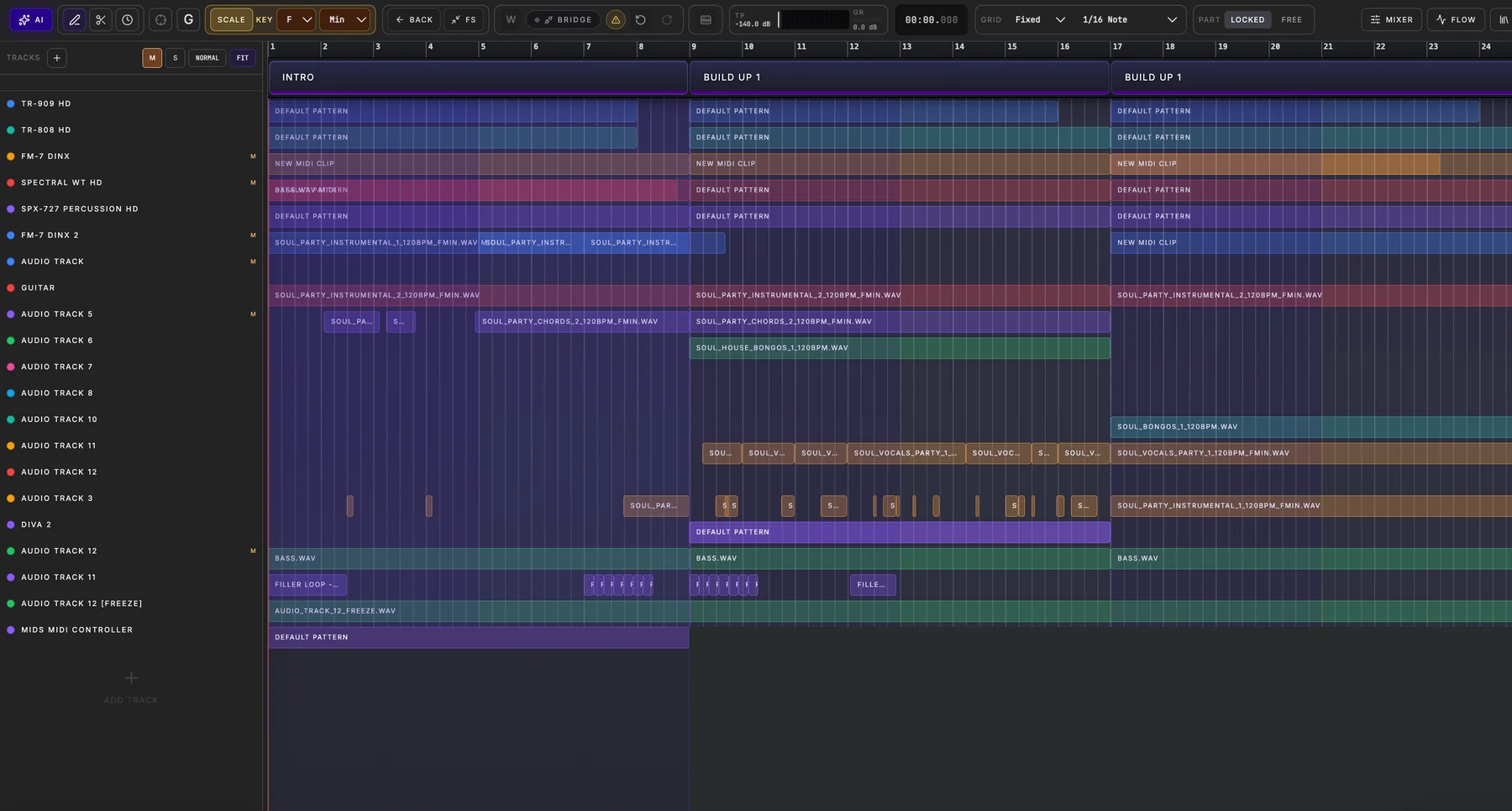
Start with your own notes
Spider sends the selected clip’s note events, timing and relevant musical context to the producer workflow. You can ask for a subtler rhythm, a stronger hook or a more hypnotic variation. The original track and instrument remain the target.
Preview the actual change
The response is converted into structured MIDI events. Preview shows the bounded result before Apply; Spider does not silently replace your clip. If the source changes while the request runs, an outdated result cannot overwrite the new edit.
Keep producing
After Apply, the new notes remain editable in Arrangement and playable through the same synth. Continue with another variation, export MIDI or build the next Song Part using Spider’s instruments and Mixer.
How to try it
Open Arrangement, select a MIDI clip, press its AI control, describe the change and review Preview. AI generation availability depends on your current Spider plan.