
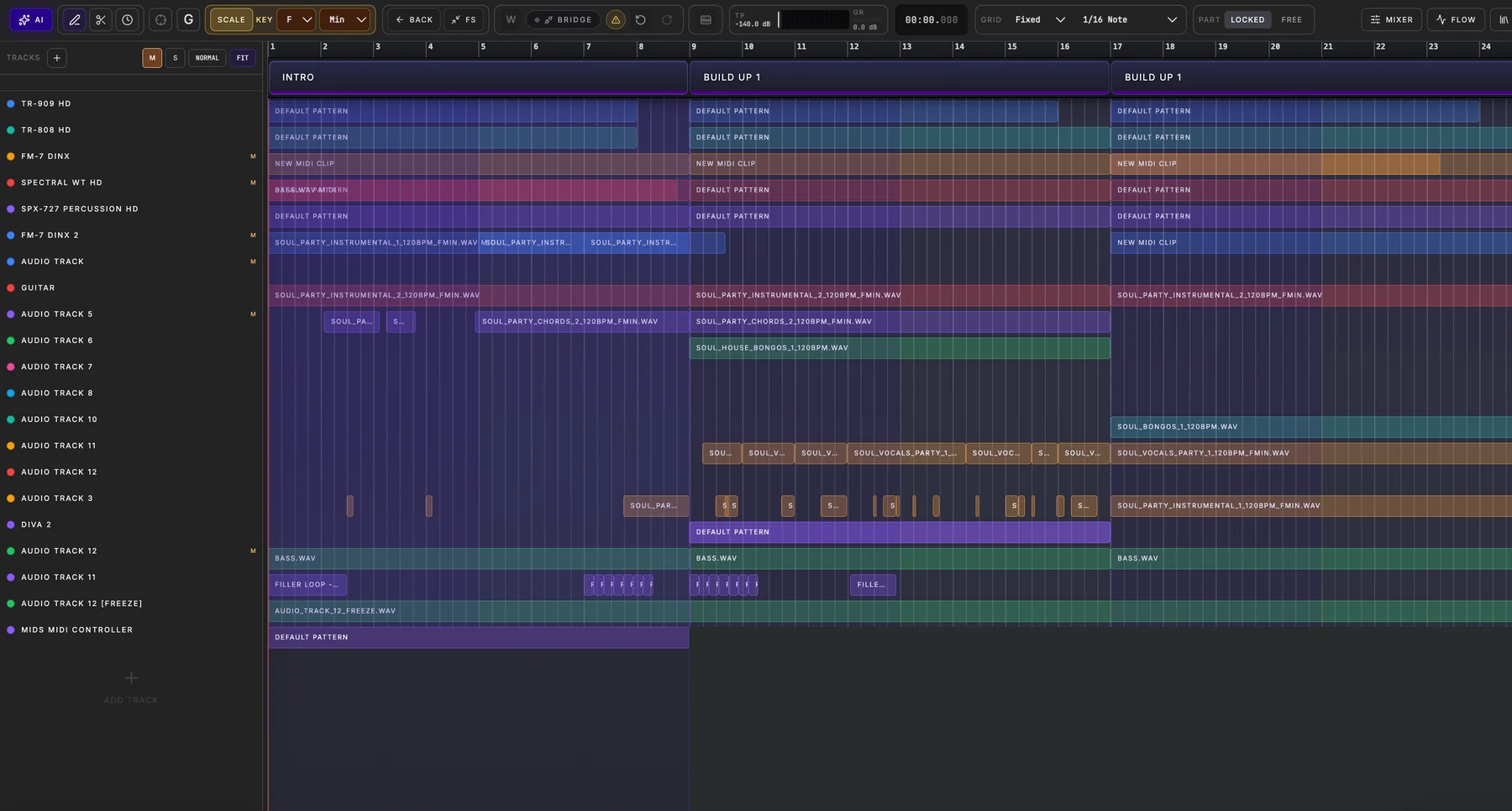
Produce with the instruments you already have
Spider knows which tracks and instrument types are present. A TR-909 can anchor dance drums; a TR-808 can add low-end or percussion; MOOH, JULO-60, Prospect 5, FM-7 DinX and Spectral WT HD can each take different bass, chord, lead or texture roles. These are possibilities, not hard-coded restrictions.
Give the AI the right musical context
The Part workflow uses available tempo, key, genre, neighboring material and selected track roles. You can confirm which tracks should be filled, including eligible empty tracks. The result is a coordinated section rather than an unrelated pattern on every track.
Approve the exact arrangement
Review the generated Preview before applying. Standard Part uses existing eligible tracks; Advanced Part can propose missing instruments for your approval and request matching sound presets. Preset requests are best-effort and do not discard valid clips if an individual sound request fails.
How to try it
Open Arrangement, choose a Song Part and use its AI control or the toolbar companion. Select the intended tracks, describe the section and review Preview before Apply. AI generation availability depends on your current Spider plan.